Sembly automatically turns your standups, project reviews, and planning sessions into ready-to-share deliverables. Think of executive briefs, status reports, action plans, and RAID logs generated on demand, in minutes.
Generate the project documents your stakeholders expect.
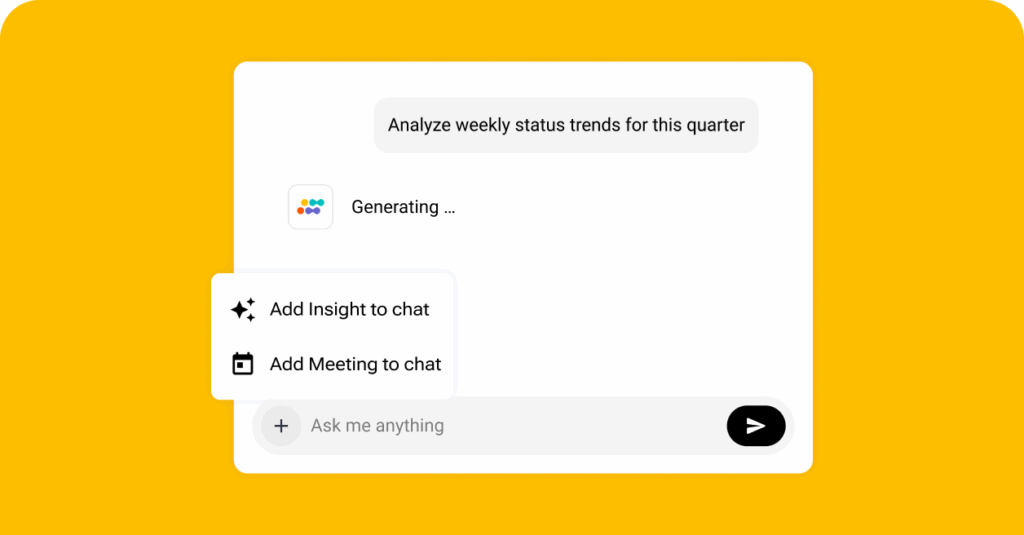
Prompt the built-in AI chat to get an executive brief with decisions, risks, escalation paths, and next steps. Powered by large language models, Sembly understands your meetings and ensures every document you generate is accurate and ready to share with decision makers across workstreams.
Generate an action plan with commitments, owners, and deadlines identified straight from the team conversation. Sembly applies natural language understanding to map every decision into clear and trackable steps. This way, your team always knows what to prioritize.
Ask Sembly for a status report and get progress, blockers, owners, and timelines drawn from your standups and project reviews. Every report reflects what was actually discussed, giving stakeholders across your organization a view of the project that is reliable and up to date.
Let Sembly use your project meetings as sources to populate your RAID log with risks, issues, actions, and decisions. Asa result, you will get a log that is always current, supports Governance, Risk, and Compliance standards, and keeps your PMO audit-ready at every stage of delivery.
See a real-life example of how Sembly turns your meetings into ready-to-share recaps.
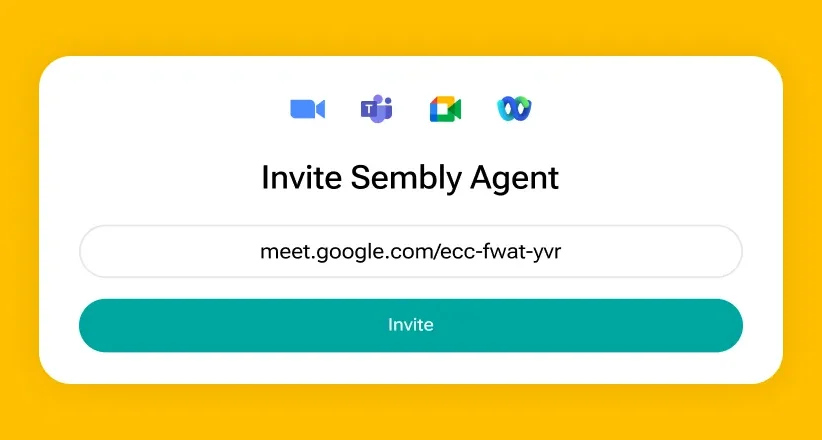
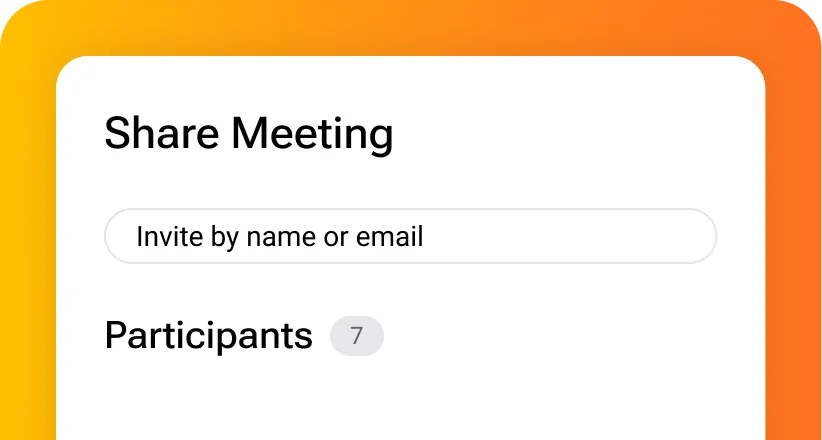
Invite Sembly to your sprint review, standup, or retrospective and run the session as usual. Sembly joins as a visible participant, records every word, and identifies each speaker automatically.
Auto-generate a structured summary with key decisions, risks, and action items once the meeting ends. Sync everything directly to Jira, Asana, or Notion, or share the full summary via a link.
Open Sembly and generate a sprint recap directly from your meeting content. The document includes sprint goals, completed items, blockers, and next steps, ready to share with stakeholders.
Find the answers to frequently asked questions.
A project management office, or PMO, is the function within an organisation responsible for defining and maintaining project management standards, processes, and governance.
PMOs usually oversee how projects are planned, executed, tracked, and reported across teams and departments. They serve as the central source of truth for project status, risks, decisions, and deliverables.
The key difference is scope. Both use the acronym PMO but serve different functions:
PMO deliverables are the documents and outputs a project management office produces to govern, track, and report on projects.
Key examples of PMO deliverables include:
AI automates manual and time-consuming parts of project management.
Here is what it does for PMOs specifically:
AI improves project success rates across 5 areas:
Yes. AI can analyze conversation content and extract risk mentions, unresolved issues, and recurring problems across multiple sessions.
Agentic platforms like Sembly can capture every risk mentioned during project calls, assign it to the right owner, and compile everything into a structured risk register automatically.

PMO teams use Sembly for:
Yes. You can connect Sembly to your project meetings and generate client work, such as status reports, risk registers, decision logs, sprint recaps, and stakeholder updates based on the available meeting content.