
Table of Contents
ToggleI’ll be upfront about how this guide came together. I’ve spent the last few weeks reading about AI tools for consulting, partly out of curiosity and partly because the number of options has gotten overwhelming. However, I also kept noticing that most roundups would list too many different apps, give each one a paragraph, and leave you as confused as when you started.
I tried to approach this differently and narrowed the guide to 15 tools across 5 categories: productivity, meetings, marketing, customer service, and strategy.
Enough with the introduction, let’s get started.
What Are the Benefits of AI Tools for Business?
Right before we dive into the tools themselves, I suggest that we talk about why you should do it.
These days, pretty much every professional uses AI, promotes it, or both, and that’s okay. However, as a user, you need to understand the actual benefits you get, preferably in numbers.
As someone who trusts the numbers more than salesy pitches, I have found some statistics proving the value of AI tools for businesses:
- Around 64% of professionals believe that AI enables their innovation. 45% see improvements in employee and client satisfaction (McKinsey).
- ⅔ of leadership teams report that AI has already improved their revenue growth rate by 25% (IBM).
- 45% of professionals see AI benefits in competitive differentiation, while 36% report improvements in profitability (McKinsey).
- Around 66% of business leaders credited AI systems for profit margin increases of at least 25% (IBM).
These are not all the benefits artificial intelligence brings, but the numbers speak for themselves. By this point, you already know that the question isn’t really “should we be using AI?”, it’s “where does it make sense for us to start?”
An Overview of the Best 15 AI Tools for Business
The short answer: I will show you 15 AI tools for business, including Sembly AI, Coda AI, Mem AI, Microsoft Copilot, SurferSEO, Synthesia, Runway ML, Intercom Fin, Yoodli, Kustomer, Vertex AI, Tableau, and WatsonX.
However, we review them in more detail, I have prepared a brief comparison table. This way, you will have an understanding of what you will see next.
|
AI Tool
|
Tool Category
|
Key Features
|
Trial / Free Plan
|
Team Size
|
|---|---|---|---|---|
|
Sembly AI
|
Meeting Intelligence
|
Yes
|
Both small businesses and enterprises
|
|
|
Coda AI
|
Productivity
|
Combines documents, spreadsheets, databases, and automation
|
Yes
|
Small businesses
|
|
Microsoft Copilot
|
Productivity
|
Embedded across Word, Excel, PowerPoint, Teams, and Outlook natively
|
Yes
|
Enterprise
|
|
Mem AI
|
Knowledge management
|
Helps find relevant past notes and documents automatically
|
Yes
|
Enterprise
|
|
Surfer SEO
|
Content creation and SEO
|
Content score based on the analysis of top-ranking pages for the chosen keyword
|
No
|
Small businesses
|
|
Synthesia
|
Video generation
|
Generates professional video from a text script in 120+ languages
|
Yes
|
Small businesses
|
|
Runway ML
|
Video production
|
Video generation, editing, motion tracking, and visual effects
|
Yes
|
Enterprise
|
|
Intercom Fin
|
Customer service
|
Provides first-line support automation for support teams that actively grow
|
Yes
|
Small businesses
|
|
Kustomer
|
Customer service
|
Processes requests based on the full customer history
|
No
|
Enterprise
|
|
Yoodli
|
Communication
|
Analyzes pacing, filler words, clarity, and confidence per recorded session
|
Yes
|
Both small businesses and enterprises
|
|
Tableau AI
|
Analytics
|
Natural language queries return visual answers
|
Yes
|
Small businesses
|
|
IBM watsonx
|
Enterprise AI
|
Full model governance with audit trails
|
Yes
|
Enterprise
|
|
Google Vertex AI
|
Enterprise AI
|
Access to Google foundation models with evaluation and BigQuery integration
|
Free credits
|
Enterprise
|
|
Slack AI
|
Collaboration
|
Summarizes channels and threads; flags what requires attention
|
Yes
|
Small businesses
|
|
Microsoft Teams and Copilot
|
Collaboration
|
Extracts context from emails, documents, and calendar
|
Yes
|
Enterprise
|
What Is the Best Documentation & Meeting AI?
Sembly AI is.
Meetings are probably the single biggest time sink in most businesses, and I don’t just mean the meetings themselves. I mean the time spent before them preparing, and the time spent after them trying to capture all the details.
The tool in this category is specifically built to fix both parts.
1. Sembly AI: For Small Businesses and Enterprise
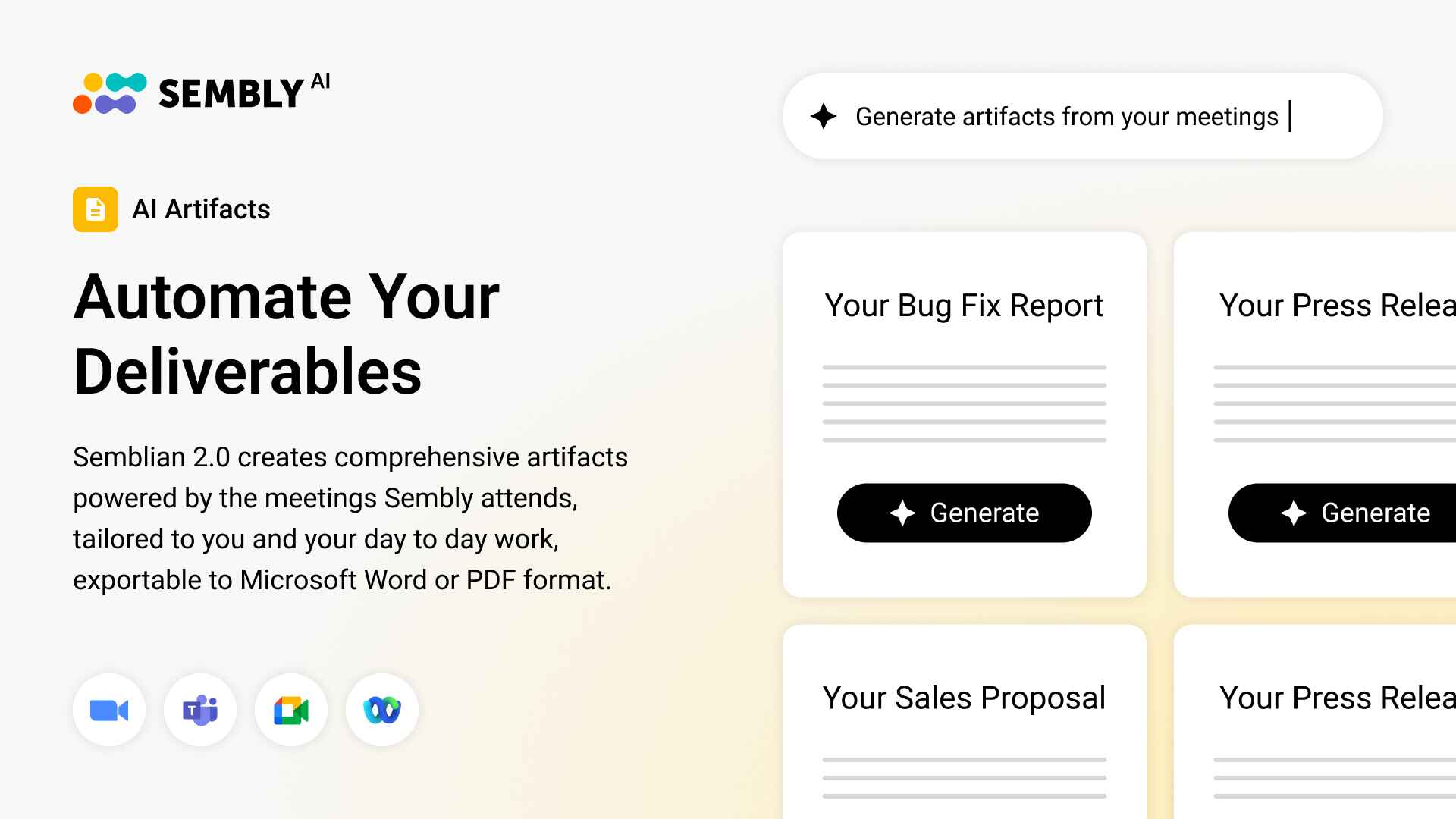
I genuinely think Sembly AI works well at both ends of the market. The problem it solves is something I often hear about from consultants, account managers, and team leads at companies of every size. I am talking about the gap between the meeting and post-meeting documentation.
So, how can Sembly AI help businesses? It joins your meetings on Zoom, Teams, Webex, or Google Meet, analyzes discussions, and generates documentation based on the content. What I love most is that it does not stop at just a transcript, a list of tasks, or a summary. You can get those anywhere. Instead, it helps automate the work after the call ends (and prepare for the next one).
For a small consultancy, it means the first draft of client documentation is ready before you’ve closed your laptop. For an enterprise team, it means a consistent, searchable record across every meeting that anyone on the team can access.
Best for: Any business that spends a lot of time in client or team meetings and wants to automate their post-meeting workflows.
What Are the Best AI Productivity Tools?
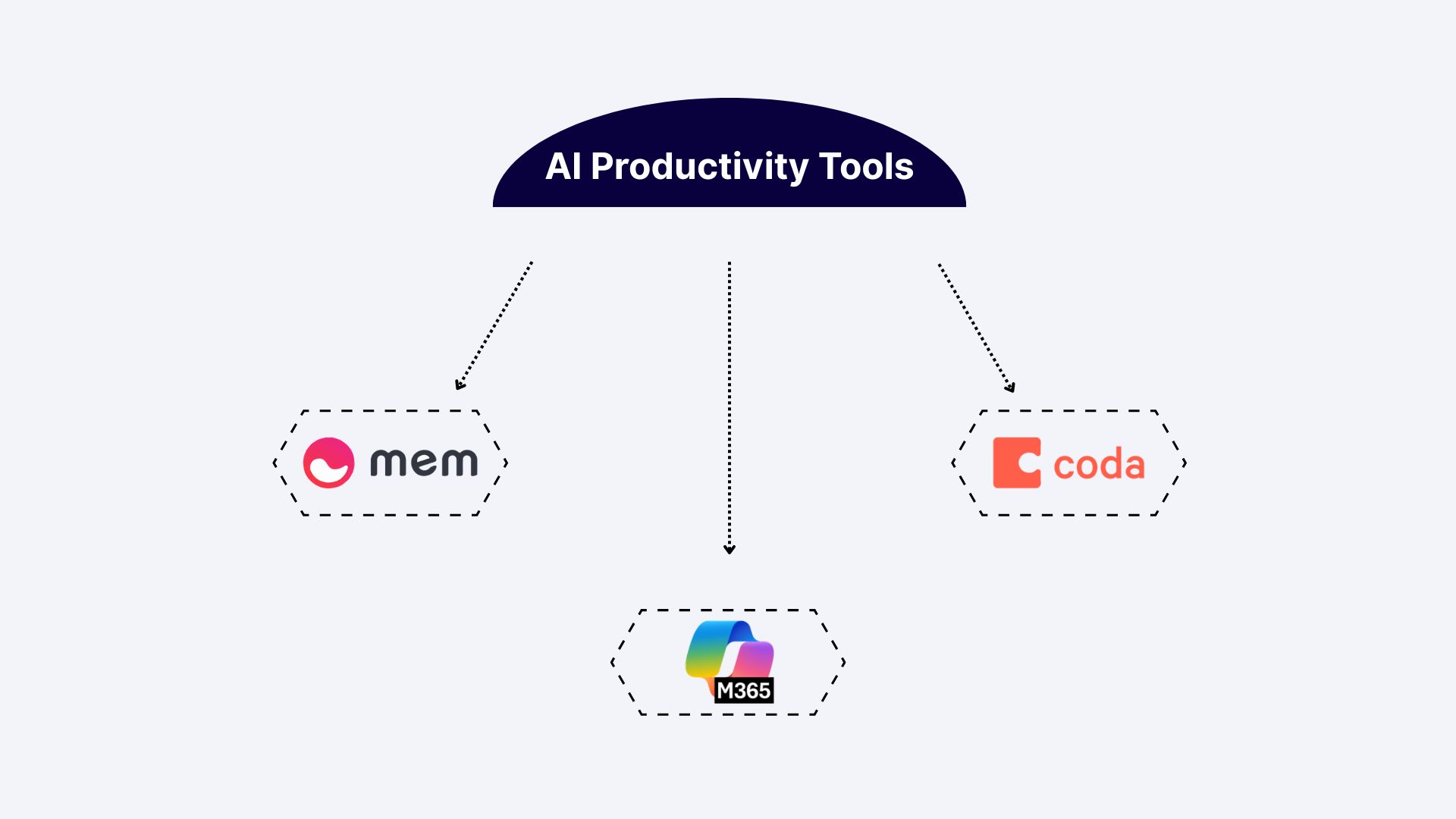
We will review 3 AI productivity tools: Mem AI, Coda AI, and Microsoft Copilot.
This is the category I’d say most businesses overlook. Every team wants an AI agent that closes more deals or handles customer support requests at scale, but the productivity and workflow layer is just as important. Besides, this is where time is most likely to slip through your fingers.
2. Coda AI for Small Businesses
Coda is one of those tools that’s hard to describe in a sentence, which is probably why it doesn’t get the attention it deserves. It’s part document, part spreadsheet, part project tracker, and part automation tool.
The way I think about it: most small businesses pay for 4 or 5 disconnected tools. These can include AI note-takers for in-person meetings, project management apps, CRMs, and some reporting software. Coda replaces a significant part of that stack with a single workspace. You can set up a client onboarding document that pulls in data automatically, generate a project change request, or build a weekly status report from your task list. The template library is quite decent, and once you’ve built a process once, it runs every time without you having to rebuild it.
Best for: Small businesses and growing teams that want to consolidate their documents, data, and workflows into a single workspace.
3. Microsoft Copilot for Enterprise
If your organization is already running on Microsoft 365, Copilot integrates directly into the tools your teams use every day: Word, Excel, PowerPoint, Teams, and Outlook.
In practice, that means drafting follow-up emails in Outlook, drafting a PowerPoint deck, or asking Excel a question about a dataset in plain language. None of these are ground-breaking on their own, but when they’re all available in one place that your team already uses, AI adoption becomes smoother.
The enterprise tier also includes data governance and security controls that matter when you work with confidential client information or intellectual property. It is something the consumer-grade tools in this space often overlook.
Best for: Large organizations running on Microsoft 365 that want AI capabilities embedded across existing workflows.
4. Mem AI for Enterprise
Mem AI calls itself an AI knowledge base and connects to your notes, documents, emails, and meeting recaps. It uses AI to find relevant information when you need it, so you don’t have to tag or message your colleagues to get anything.
For enterprise teams, this solves a problem that gets worse the longer an organization exists. Yes, I am talking about information that exists in someone’s Google Docs, on sticky notes, or elsewhere. Mem helps you make knowledge searchable and accessible for every team member, regardless of their location.
It’s particularly strong for professional services agencies and consulting teams where context from past engagements is valuable but rarely organized.
Best for: Enterprise teams and professional services organizations where knowledge is spread across tools and teams.
What Are the Best Content Creation and AI Marketing Tools?
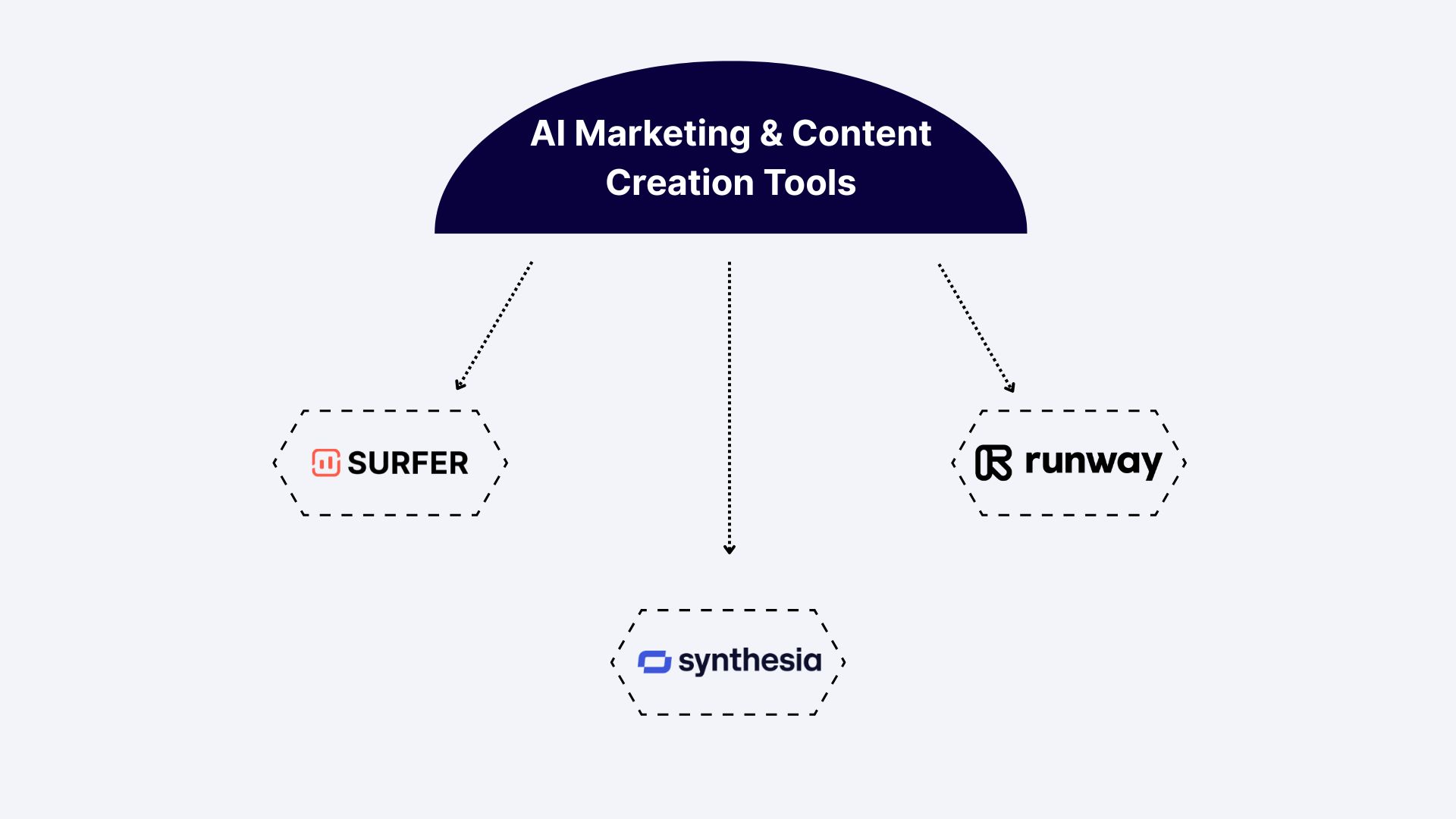
As a spoiler, we will discuss SurferSEO, Synthesia, and Runway ML in this section.
It’s safe to say that marketing is where AI adoption has moved fastest, and where the quality gap between businesses using AI and those that aren’t is most visible. The AI tools for business below are less about content volume and more about the areas where AI actually makes marketing smarter.
5. Surfer SEO for Small Businesses
Surfer SEO is one of the AI tools with the most impact on measurable business growth for companies that rely on organic search. It analyzes the pages already ranking for a chosen keyword, determines what they have in common (structure, headings, word count, the specific terms they use), and gives you a content score as you write so you’re optimizing as you go. For small businesses without a dedicated SEO team, this closes a knowledge gap that would otherwise take years to develop through trial and error.
The AI writing integration means you can go from keyword research to a structured draft within the same tool. As a result, less time is spent looking at an empty page.
Best for: Small businesses and content teams who need to compete in organic search without the budget for a dedicated SEO strategist or agency.
6. Synthesia for Small Businesses
Synthesia generates professional video from a text script, offering an AI presenter, voiceover, background, and subtitles. For small businesses that know they need video content but don’t have the budget for a dedicated team of specialists, it’s a practical solution.
The quality has improved a lot over the past year, to the point where the output is usable in real professional contexts, such as product explainers, client onboarding videos, training content, and marketing campaigns.
The multilingual support across 120+ languages is also worth noting if you’re reaching audiences in different markets. I mean, if you want to produce localized video content, you need either dubbing or reshooting, and Synthesia handles that automatically.
Best for: Small and mid-sized businesses that need professional-quality video content.
7. Runway ML for Enterprise
Runway is what video production looks like at the professional level when AI is built into it. It’s a full AI creative suite that offers video generation from text prompts, video editing, background removal, motion tracking, and visual effects.
The distinction from Synthesia is important. The former is built around a specific use case: you write a script, choose a presenter, and get a professional video back. Runway, on the other hand, is a full production environment. Think of Synthesia as automating video production, while Runway is more like giving a creative team capabilities they didn’t have before.
For enterprise marketing that manages high volumes of content across multiple channels, it’s a solid addition to a production workflow available right now.
Best for: Enterprise marketing and creative teams that need to produce campaign-level video content and want AI embedded in the production process.
What Are the Best AI Customer Service and Communication Tools?
My bet is on Intercom Fin, Kustomer, and Yoodli.
Customer service is one of the areas where the ROI on AI is most straightforward to calculate. You can measure response times, resolution rates, and cost per interaction before and after.
The AI software for business in the list below ranges from a starting point for smaller teams to a full enterprise platform for high-volume operations.
8. Intercom Fin for Small Businesses
Intercom’s Fin AI agent handles first-line customer support based on your existing help content and documentation. For small teams where volume is growing fast, Fin takes on the repetitive questions so the human team can dedicate time to chats that actually need a person. As a result, less employee overload and improved user experience.
What I find credible about Intercom’s approach is that they’re transparent about resolution rates. They publish data on what Fin resolves versus what gets escalated, which helps understand whether the ROI makes sense for your specific situation. If your help center is in a reasonable shape, the setup is faster than most people expect. Besides, the handoff to a human agent when Fin hits its limits is smooth enough that customers usually don’t notice.
Best for: Small and mid-sized businesses, SaaS companies, and e-commerce teams whose support volume is outpacing what a small team can handle.
9. Kustomer for Enterprise
Kustomer approaches customer service from a different angle than standard conversational chatbots. It’s a full customer service platform built around AI agents and large language models that work with customer data to make support feel personal rather.
For large businesses that manage customer interactions across multiple channels, that depth of integration is what separates Kustomer from simpler solutions. The AI can handle transactions, process requests against live data, and escalate to a human agent with the full context already loaded.
Best for: Enterprise businesses that manage high-volume customer service across multiple channels and need AI that can handle context-dependent interactions.
10. Yoodli for Small Businesses and Enterprise
Yoodli is an AI speech coach, and I include it here because communication quality is one of the most underrated growth levers for both small and large businesses.
Yoodli analyzes how you speak, including pacing, filler words, clarity, conciseness, and confidence. It gives specific, immediate feedback after a recorded session, so you do not need a manager or coach to observe.
For founders and small sales teams where the way you communicate has a direct impact on a deal, the improvement over a few weeks of consistent practice is noticeable.
Best for: Founders, sales, and customer success professionals who want to improve the way they communicate on calls and in presentations.
What Are the Best AI Analytics and Business Intelligence Tools?
This is the category where the stakes are highest, and the tools are most differentiated by company size. A small business and an enterprise have almost nothing in common when it comes to what they need from analytics and AI strategy tools, so the picks here are quite different on purpose.
11. Tableau (with Tableau AI) for Small Businesses
Tableau has been one of the more trusted names in data visualization for years, and the addition of Tableau AI makes it even harder to ignore. You can now ask questions about your data in plain English and get AI answers and visualizations back. No more spending time on custom dashboards or complex tables.
For small business owners and operations teams who know their data has answers (and it’s pretty much always does!), it is genuinely useful. The combination of strong visualization and natural language processing means you’re not dependent on someone with technical skills to get insight from your own numbers.
Best for: Small and mid-sized businesses that need to make decisions based on the available data but don’t have a dedicated data team to interpret the numbers.
12. IBM watsonx for Enterprise
IBM watsonx is an enterprise AI and data platform that covers model training, deployment, data governance, and AIOps.
The governance layer is what I’d highlight most for companies in regulated industries. You can audit how model decisions are made, control what data goes into training, and maintain full accountability over AI. This can be a big deal when you’re dealing with confidential client data, patents, or financial information. For large enterprises in financial services, healthcare, or legal, these are requirements.
Best for: Large enterprises in regulated industries that need to build, deploy, and govern proprietary AI models with strict accountability.
13. Google Vertex AI for Enterprise
Vertex AI is Google Cloud’s platform that helps build and deploy machine learning models at scale. It provides teams with access to Google’s foundation models, with built-in tools for fine-tuning, evaluating, and deploying them.
Everything connects to the broader Google Cloud ecosystem: Google Cloud Storage, BigQuery, Google AI Studio, and Firebase Studio, so it fits into the infrastructure most enterprise teams already run on.
The modular APIs (translation, speech-to-text, text-to-speech, cloud vision) also provide product teams with building blocks for adding specific AI capabilities to customer-facing workflows.
This way, if your organization is already invested in Google Cloud, it’s a natural and powerful extension.
Best for: Enterprise data and engineering teams that need to build custom AI models or generative AI product features inside the Google Cloud ecosystem.
What Are the Best Team Collaboration AI Tools?
Last, but surely not least, we will review Slack and Microsoft Teams.
Communication is the one thing every business does constantly and almost nobody optimizes deliberately. The AI tools for business in this category are designed to make the way teams communicate faster, clearer, and less dependent.
14. Slack for Small Businesses
Most small and mid-sized teams already know Slack as a messaging tool, but it has recently also gained an AI feature. The problem with any busy Slack workspace is the time-consuming catching-up: you step away for a few hours, come back to 200 unread messages across channels. However, Slack AI addresses that directly.
It can summarize any channel or thread, recap what was discussed, and identify the things that need your input versus those that don’t. The AI message drafting is also useful for keeping communication clear and concise.
Overall, it’s quite great when you need to understand what’s going on in a few sentences and avoid scrolling through lengthy threads.
Best for: Small and mid-sized teams who already use Slack and want AI to help manage communications.
15. Microsoft Teams (with Copilot) for Enterprise
Microsoft Teams is already the default communication platform for many large organizations. At the enterprise level, the Copilot integration separates it from being just another messaging and video tool. Copilot summarizes meetings, drafts chat messages, recaps conversations, and can answer questions about past calls or threads.
Since Copilot in Teams connects to the broader Microsoft 365 environment, it can pull in context from documents, emails, and calendar events as well, so when you ask it to summarize what’s happening with a particular project, it has the full picture.
You may have noticed an overlap with what we covered in the productivity section earlier. The distinction is focus: Copilot in Microsoft 365 is about document creation and task support, while Copilot in Teams is about communication.
Best for: Large organizations already running on Microsoft Teams that want AI to reduce the communication overhead of operating at scale.
What Are the Free AI Tools for Businesses with Limited Budgets?
In a perfect world, there’s always a budget for tools and experiments. However, reality is slightly different, and not every team has the money for a full enterprise AI stack (even if it sounds promising). The good news is that some AI tools in this list include free plans or trials, so you don’t have to pay from day 1.
In any case, here’s where I’d start if budget is a problem:
- Sembly AI: Free period includes unlimited meetings, microphone recording, multilingual transcriptions, AI tasks, and meeting notes. You can also chat with a single-meeting AI assistant and upload media files. Overall, it’s enough to feel the difference in workflows.
- Coda AI: The free plan gives you access to the core workspace with AI features included.
- Yoodli: This one includes AI speech coaching sessions in its free trial. It’s worth trying for any sales or client-facing team.
- Synthesia: Its limited free plan lets you test the video generation, so you have an idea what you are paying for.
My honest recommendation is to start with Sembly AI or Coda AI. Meeting intelligence and basic automation are the two areas where most businesses see the fastest measurable time savings. If you try these tools, you won’t lose anything but may get a great addition to your tool stack later.
How Do You Choose an AI Tool for Your Business?
With the number of AI tools available right now: AI assistants, AI copywriting tools, AI code assistants, marketing platforms, and website chatbots, the decision can feel paralyzing. Sometimes, I feel like this is one of the hardest stages to go through.
I suggest that we go through my personal checklist before committing to any new AI tool:
- Define the specific problem: Do you spend too much time on routine tasks? Or does your content strategy produce content that doesn’t rank? The more precisely you can name the problem, the easier it is to evaluate the AI tool.
- Map the problem to a category of AI: Different problems need different kinds of AI, and knowing which category you need stops you from buying something impressive but useless.
- Check your existing ecosystem: If your team uses Google Workspace, look for tools that integrate natively with it. If you’re on Microsoft 365, Copilot is a natural extension of your existing environment.
- Prioritize data security: Learn how that tool handles your data, whether it’s GDPR compliant, and whether it uses data to train external models. Consumer-grade AI tools and enterprise platforms have very different answers to these questions.
- Consider scalability: Think about whether the AI tool for business is a solution for today’s problem or a foundation for where you want to be in two years. The best picks are usually both.
Wrapping Up
A year ago, the conversation around AI in business was mostly theoretical. However, the AI tools for business in this guide are products that teams use right now to get work done faster.
If I had to leave you with one thought, it’s this: successful businesses aren’t the ones experimenting with the most tools. Instead, they’re the ones who chose 1 or 2 solutions, embedded them properly, and built from there. Start small, start with the friction that costs you the most, and let the results tell you where to go next.
Good luck!
FAQ
How do I know which AI tool is right for my business?
There’s no universal answer, but there is a reliable process for getting to the right one:
- Start with understanding the problem: Identify the source of problems in the way your team works.
- Match the category to the problem: Ask whether that friction lives in productivity, communication, content creation, customer service, or strategy and data.
- Check what you’re already running on: A tool that integrates with your existing stack will get adopted faster than one that requires your team to build a new habit from scratch.
- Factor in adoption: The most powerful tool your team doesn’t use is worth nothing. Simpler and consistent beats sophisticated and abandoned every time.
How quickly can a business see ROI from AI tools?
For tools that replace something your team already does manually, such as meeting notes, first-draft emails, customer support responses, ROI shows up within the first week.
Tools that require more setup usually take three to four weeks before the time savings outweigh the investment.
What is the difference between AI tools for small businesses and enterprise AI tools?
The main difference comes down to three things: complexity, compliance, and scale.
AI tools for small businesses are generally designed to be fast, easy to use, and affordable at low usage volumes.
Enterprise AI tools, on the other hand, are built around data governance, security, custom model training, and the ability to deploy AI across thousands of users simultaneously.
What are the common mistakes of adopting AI in business processes?
Here are some of the common mistakes businesses often make when adopting AI tools:
- Automating a broken process: If a process produces output nobody acts on, AI just makes that happen faster.
- Underestimating the change management: If your team doesn’t understand the benefits of AI and how it fits into their work, adoption will be low regardless of how good the software is.
- Ignoring data privacy: Check for SOC 2 Type II certification, GDPR compliance, and whether the vendor uses your data to train external models.
- Deploying everything at once: Before adding any AI tool, map what you already have. The overlap is almost always there and your team will likely be overwhelmed by new interfaces.
What are the best AI tools for small businesses in 2026?
Here are the AI tools that consistently deliver value for smaller teams:
- Coda AI: Connects your documents, tasks, and workflows into one AI-powered workspace.
- Sembly AI: Captures and analyzes meetings and generates post-meeting documentation based on the available content.
- Surfer SEO: Guides your content creation against ranking signals so your writing shows up in search.
- Intercom Fin: Handles first-line customer support automatically so your team can focus on more important conversations.
- Yoodli: Coaches your sales team and client-facing people to communicate more effectively.
- Tableau AI: Lets anyone on your team ask questions about your data in plain English and get real answers back.
What AI tools are best for marketing?
For small businesses focused on organic growth, Surfer SEO is the most direct path to measurable results through better search engine optimization.
For content production at volume, Synthesia handles video and Jasper handles written content at scale.
For enterprise creative teams, Runway ML brings AI into the production workflow for campaign-level video and visual content.
What AI tools are most useful for business meetings and documentation?
Sembly AI is the best meeting AI. It joins your calls on Zoom, Webex, Teams, or Google Meet and generates professional post-meeting meeting documentation based on the available content.
In addition to automated deliverables, it also provides meeting notes, summaries, and word-to-word transcriptions, as well as extracts a list of tasks with owners, deadlines, and descriptions.
It ensures enterprise-grade security and is compliant with SOC 2 Type II, GDPR, HIPAA, PCI DSS, FERPA, and the EU-US Data Privacy Framework, and has completed Microsoft 365 Certification.
- Multi-meeting chats
- AI Insights
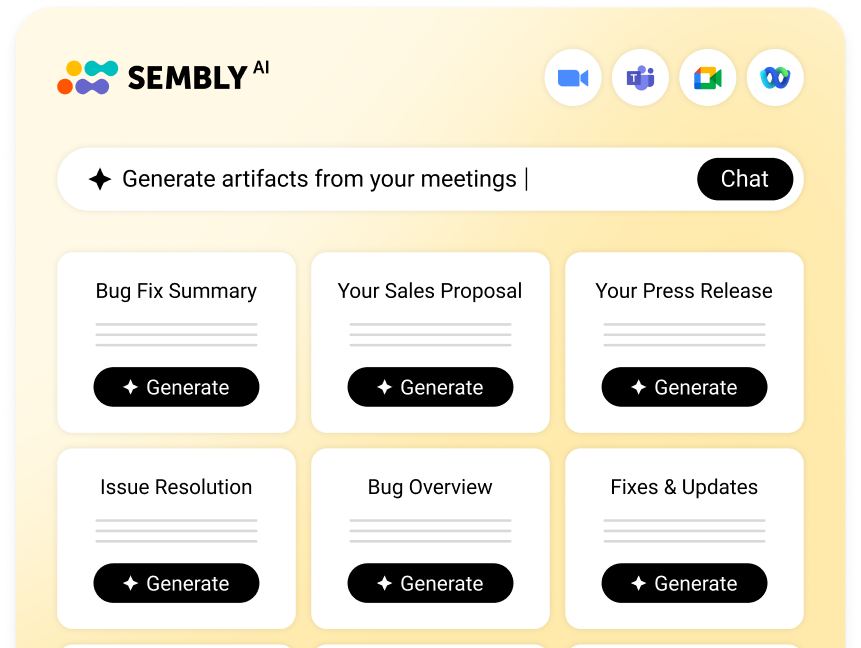
- AI Artifacts

You might also like
