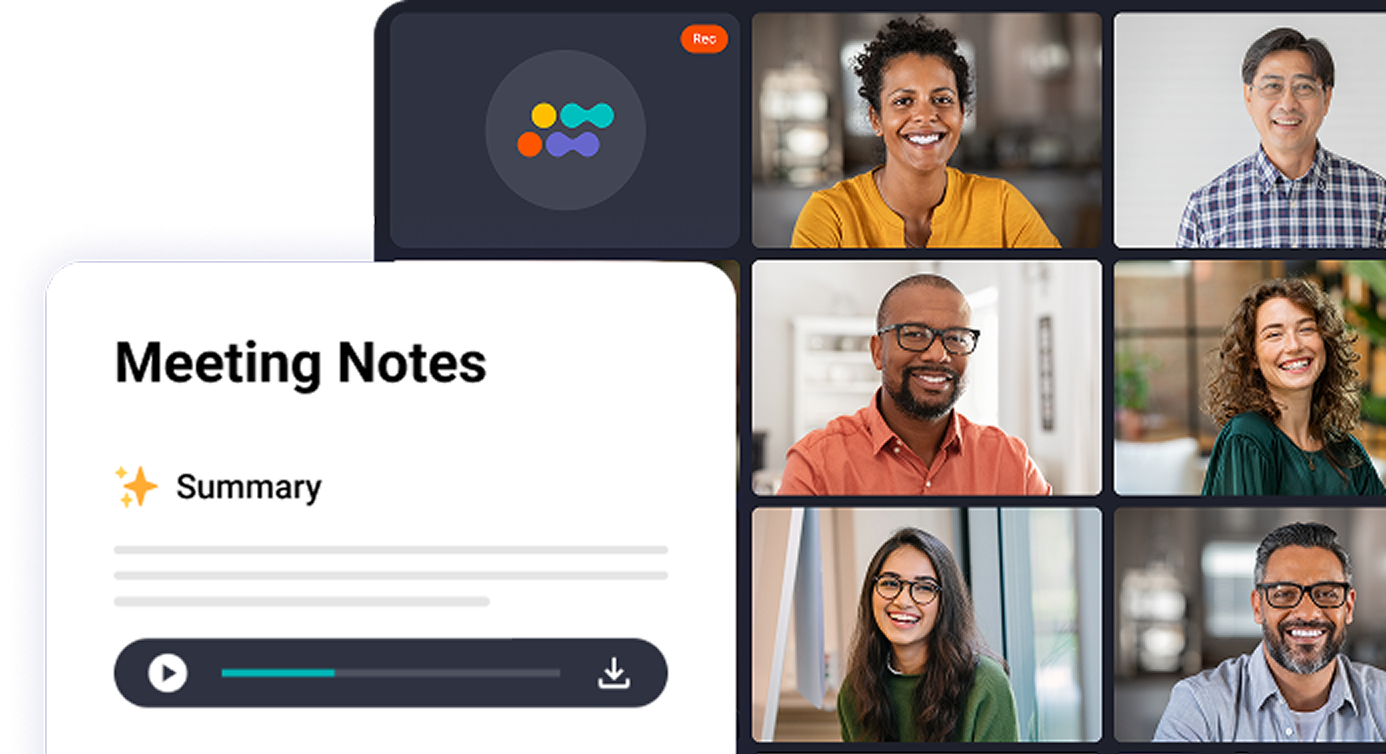
Forget about complex setups. Capture meetings the way it works for you.
Connect Calendar
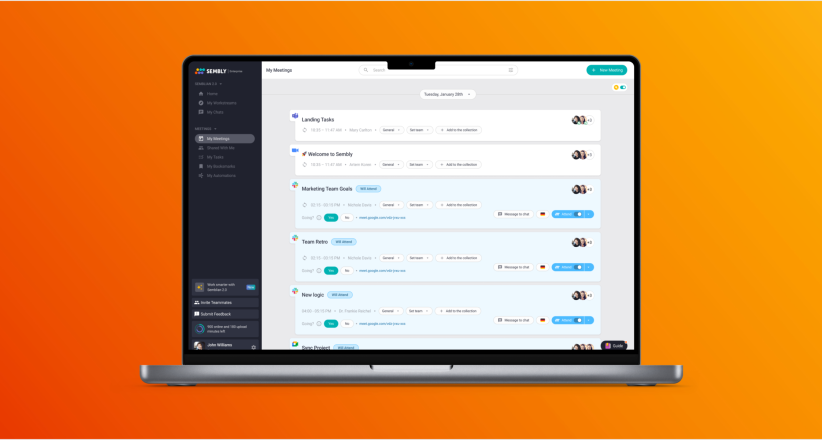
Sync Sembly with your Microsoft Outlook, Google Calendar, or any ICS-based calendar. It automatically joins every scheduled meeting on Google Meet, Zoom, Teams, or Webex.
Invite Manually
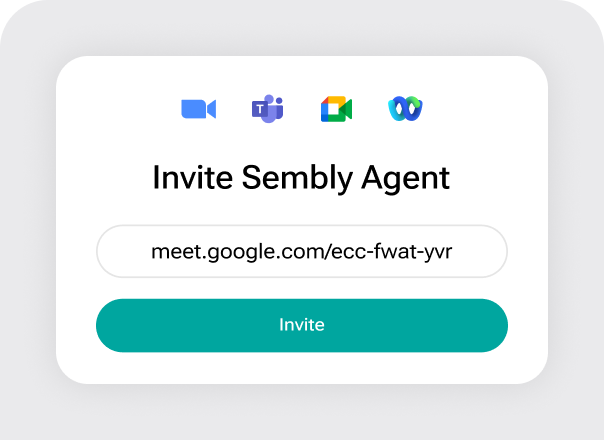
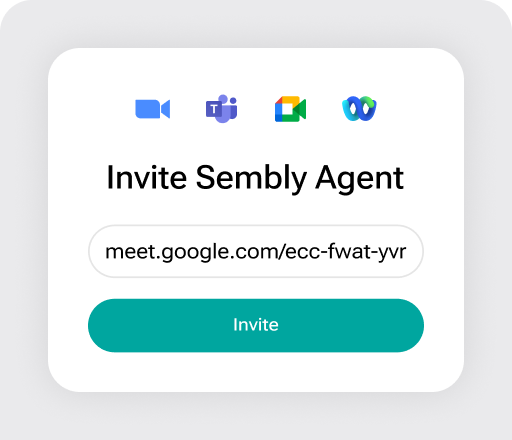
Add Sembly as a participant to any ongoing or upcoming meeting using a direct link. Works across all major conferencing platforms including Zoom, Google Meet, Teams, and Webex.
Record Audio
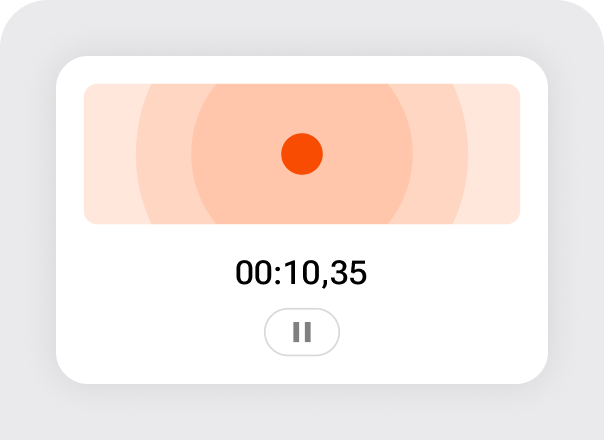
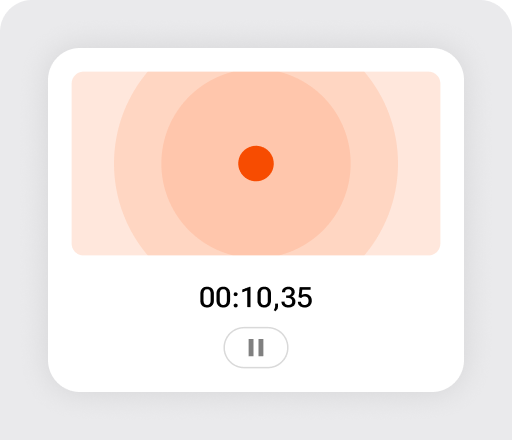
Grant microphone permissions and use Sembly to capture offline and in-person discussions. Set the language, name the meeting, and start recording directly from the app.
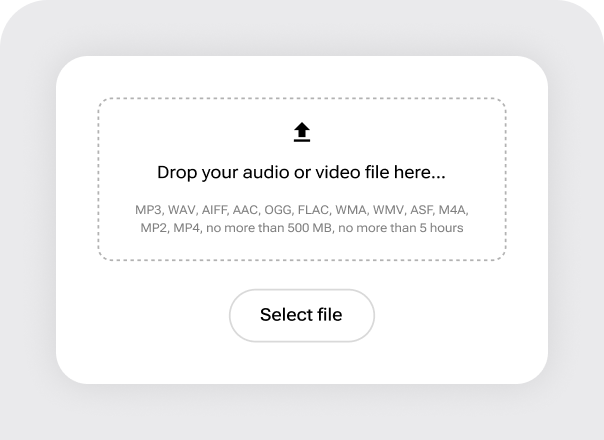
Upload Recordings
Already have a recorded call? Upload MP3, MP4, WAV, AIFF, AAC, Ogg Vorbis, FLAC, or ASF files, up to 5 hours and 500 MB per file, and Sembly processes them automatically.
Manage every moment. Decide what and when you wish to record.
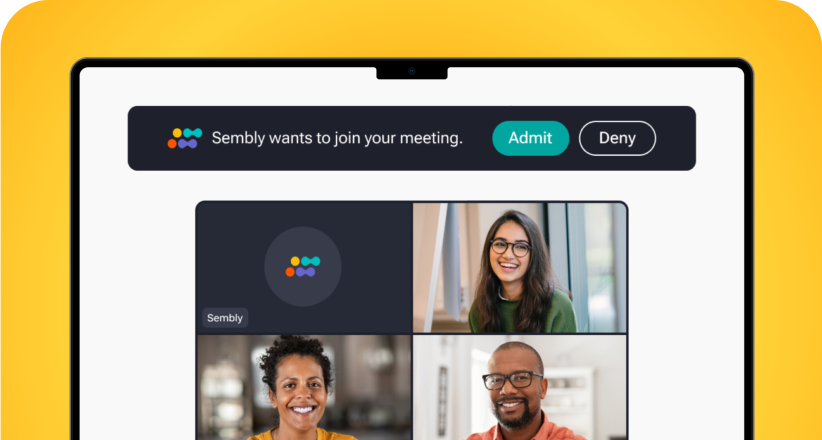
Join Notification
Sembly introduces itself to meeting participants with an automatic message when it joins. It attends and records conversations even when you are not present, acting as your AI teammate.
Pause & Resume
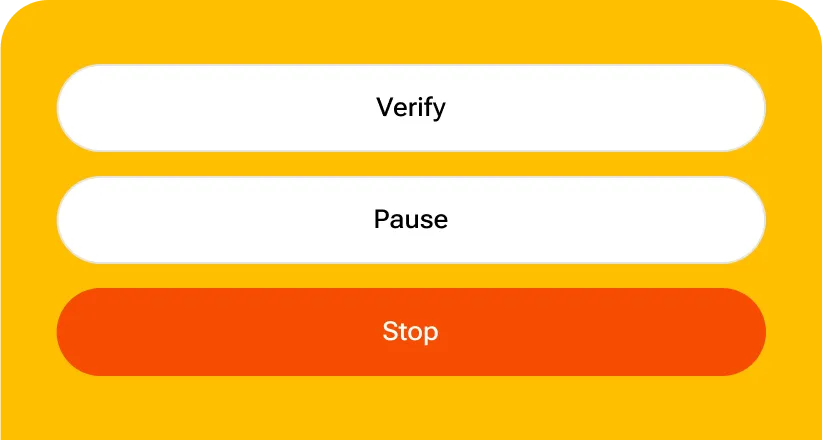
Pause and resume recording at any point during the meeting using the Sembly web app or Chrome Extension. Capture only the parts of the conversation that matter to you and your team.
Disconnect
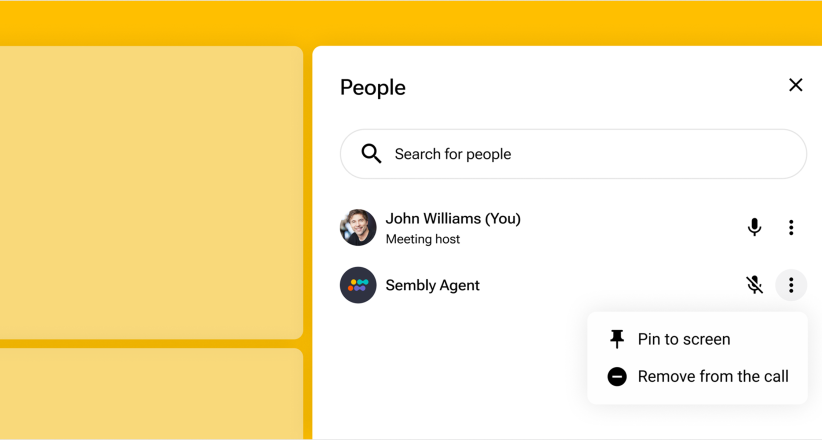
Remove Sembly from the conference at any time to protect sensitive information or comply with call recording laws via the Sembly web app or directly through your conferencing platform.
Control Attendance
Turn Sembly attendance on or off for individual meetings or all upcoming meetings in one click. Gain full control over your meeting lifecycle without changing a thing about your calendar setup.
Put meeting data to work. Gain more value in less time.
1. Review Output
Access structured meeting notes, a full call transcript, and extracted action items immediately after the meeting ends. Review, edit, and organize everything in one place.
2. Sync Data
Push meeting notes, tasks, and transcripts to your CRM, project management tool, or collaboration platform. Sembly syncs to Salesforce, HubSpot, Jira, Slack, and more.
3. Generate Deliverables
Use your meeting content to create professional documents: proposals, status reports, project briefs, follow-up emails. Every deliverable is built from your meetings.
Analyze Conversations
Query your meeting history across using multi-meeting AI Chat. Surface patterns, track commitments, identify risks, and get insights from weeks or months of conversation data.
Set aside manual efforts. Automate data sync with integrations.
Native Integrations
Integrate Sembly with your existing tools and automate the flow of meeting data across your stack. Sync meeting notes, call transcripts, and extracted tasks to CRMs like Salesforce and HubSpot, project management tools like Jira, Asana, and Linear, collaboration platforms like Slack and Confluence, and cloud storage including Google Drive, OneDrive, and Dropbox.
Zapier Integrations
Connect Sembly to thousands of additional apps through Zapier using pre-built workflow templates or custom no-code automations. Set up triggers for new meeting notes, new transcripts, or new tasks, and push that data to tools like Gmail, Google Docs, Microsoft Outlook, Calendly, and more. Authenticate with your Sembly API key to build fully custom workflows without writing a single line of code.
Webhooks
Set up custom workspace automations that export meeting notes, transcripts, and tasks to any tool via webhook URL. Connect up to 10 tools per workspace, set export delays to allow time for meeting edits, and manage all automations directly from the Automations tab in your Sembly sidebar.
MCP (Model Context Protocol)
Connect AI agents and external tools to your Sembly meeting intelligence directly using MCP. Build custom AI-powered workflows that access your conversation data, extracted tasks, and meeting history programmatically. Ideal for teams building agentic workflows and AI-powered pipelines on top of their meeting data.
Create a Sembly account, connect your Google or Microsoft calendar, and Sembly will automatically join your scheduled meetings on Google Meet, Zoom, Microsoft Teams, or Webex.
Can I use Sembly without syncing my calendar?
Yes. You can invite Sembly directly to any ongoing or upcoming meeting using a link, without connecting your calendar. You can also record in-person meetings using your device microphone or upload existing audio and video files.
What file formats can I upload to Sembly?
Sembly accepts MP3, WAV, AIFF, AAC, OGG, FLAC, WMA, WMV, ASF, M4A, MP2, and MP4 files. Uploads can be up to 5 hours long with a maximum file size of 500 MB per attachment.
What outputs does Sembly generate?
After every meeting, Sembly generates structured notes, summaries, and a full call transcript with speaker identification, as well as extracts action items. You can then use that content to draft professional deliverables, including customer success plans, status reports, project change requests, and follow-up emails
Does Sembly comply with call recording laws?
Sembly ensures all meeting participants are aware of recording through multiple notification layers:
An automatic chat message inside the meeting
An email notification to all participants before the meeting starts
Sembly also appears as a visible participant in the call with its own name, so there are no hidden recordings.
However, since call recording laws vary by country and region, we recommend checking your local regulations before recording conversations with external participants.
Still have questions?
Connect with our team to learn which plan is right for you.