
How It Works
Use Cases
VERTICALS
COMPANY TYPE
Product
Company
Query across your entire meeting workspace with multi-meeting AI chat, catch risks and issues automatically, record video for every call, and search 2 years of conversation history.

Built for small teams that need shared access to meeting intelligence.

Query across all client calls at once to spot recurring feedback patterns your team could miss. Use Collections to organize meetings by client or campaign and give your entire team access to every important conversation.


Build a shared knowledge base where every team member searches the same client meeting archive. Detect risks and issues automatically during calls so project managers catch concerns before they escalate.

Let co-founders query across all investor meetings to find which objections repeat most often. Use sentiment analysis to flag customer calls where frustration spiked so your team addresses concerns proactively.

Team collaboration and intelligence features built for shared workspaces.
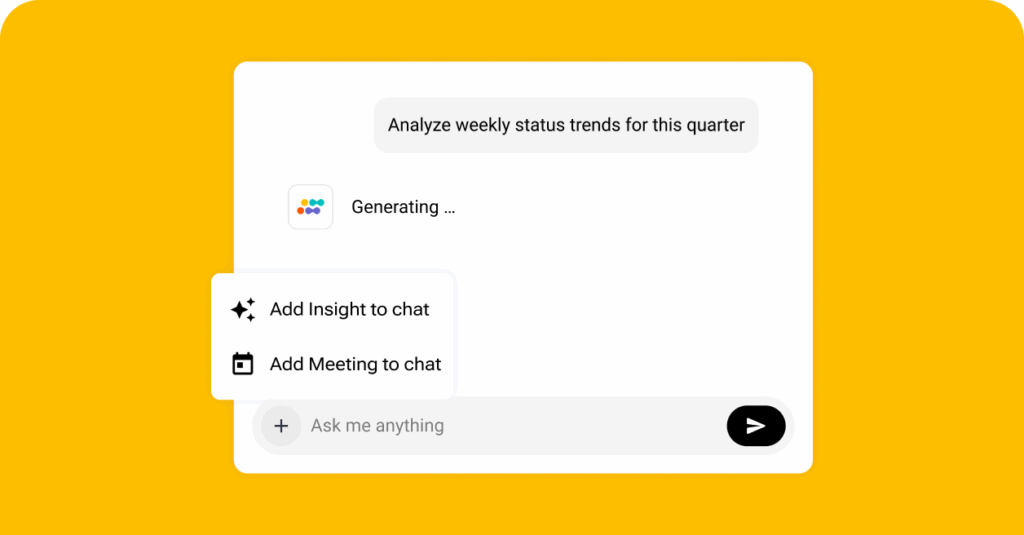
Ask questions across your entire team workspace and get answers pulled from dozens of conversations at once. Query all customer calls from the past quarter to find common pain points or search all sprint retrospectives for recurring blockers.
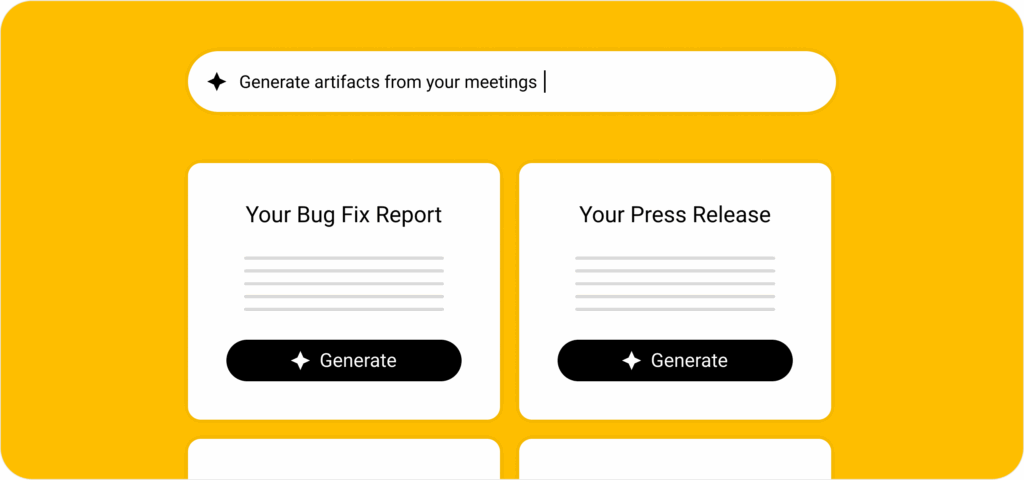
Generate project plans, sales proposals, status reports, or follow-up emails directly from meeting content. Each team member can create 5 AI artifacts per month that pull information from conversations and export to PDF, Word, HTML, or Markdown.
Sembly flags concerns, blockers, and notable events during calls. All you have to do is to review detected risks across your workspace to spot patterns your team would miss reading individual summaries.
Get role-specific recommendations and next steps after each meeting tailored to your position and context. Insights suggest follow-up actions, deliverables to create, or concerns to address based on what was discussed.
Group related meetings by project, client, or topic so teams find information by context instead of searching chronologically. Share entire Collections with specific team members to give targeted access without opening your full workspace.
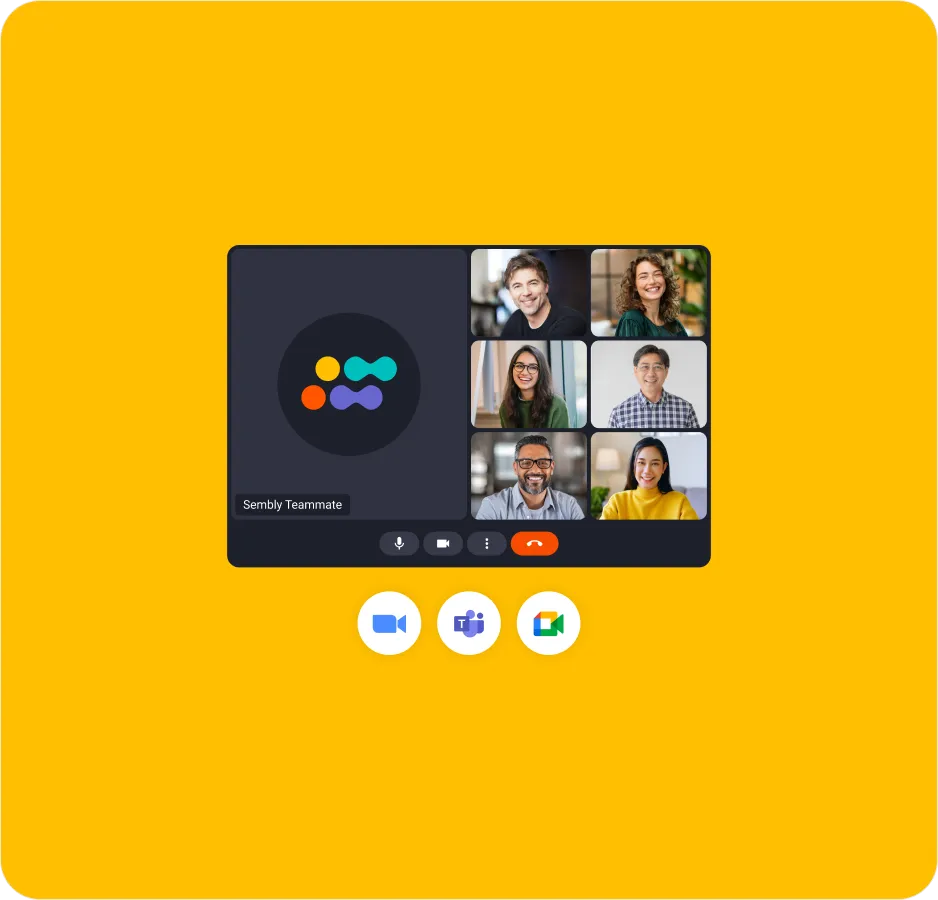
Unlimited attendance across Zoom, Google Meet, Microsoft Teams, and Webex. 40+ language transcription, AI summaries and task detection, microphone recording, 10 hours of media upload per user, 5 native automations per user, Zapier integration, and 2 years of searchable history.
Set 5 automations at the workspace level that run for every qualifying meeting without per-user setup. Send all meeting notes to a shared Slack channel, push transcriptions to Notion automatically, or sync tasks to your project management tool.
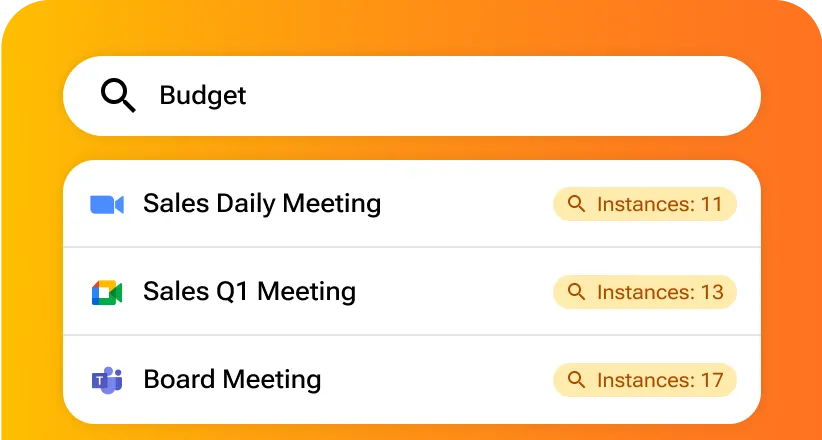
Search with Boolean operators, speaker filters, date ranges, and meeting type filters. Add industry terms, product names, or acronyms to custom vocabulary so transcription accuracy improves for your team's specific language.
Key team workflow gaps that shared workspace intelligence eliminates.
Sembly creates one searchable workspace where every meeting follows the same structure. Multi-meeting AI chat answers questions across your workspace instantly, so your team acts on information the same day instead of scheduling follow-up meetings.
Sembly generates client proposals, status reports, and follow-up emails directly from meeting transcripts through AI artifacts. Your team produces deliverables in minutes instead of hours by using conversation content as the source material.
Sembly's proxy attendance lets team members skip calls where their input is not needed while staying fully informed. Video recordings plus AI summaries replace attendance requirements so people only join meetings where they contribute directly.
Sembly's risk detection and sentiment analysis flag concerns during conversations before they escalate into crises. Your team sees which meetings raised similar issues across your workspace so patterns become visible early.
Sembly's analytics dashboard shows who attends how many meetings, which types run longest, and where speaking time concentrates. Your team identifies communication bottlenecks with data instead of guessing why collaboration feels slow.
Sembly keeps client commitments visible and accessible so your team never loses track of what was promised. Reference exact quotes from discovery calls and generate client-ready proposals and status reports directly from meeting content, so deliverables arrive faster.
Steps from signup to your first shared workspace with team-level intelligence.
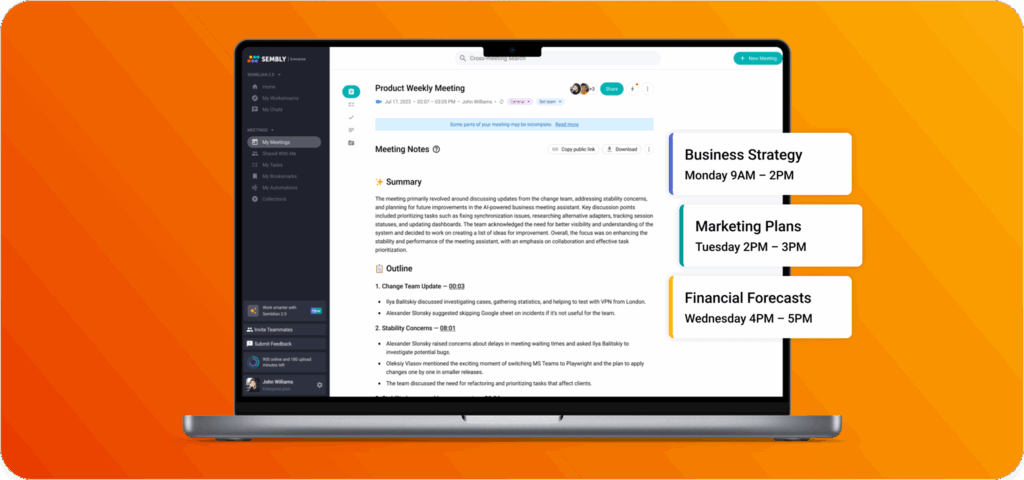
Sign up at Sembly with your work email. No credit card required. The trial gives you full access to every Pro plan feature, so you test exactly what you would pay for.
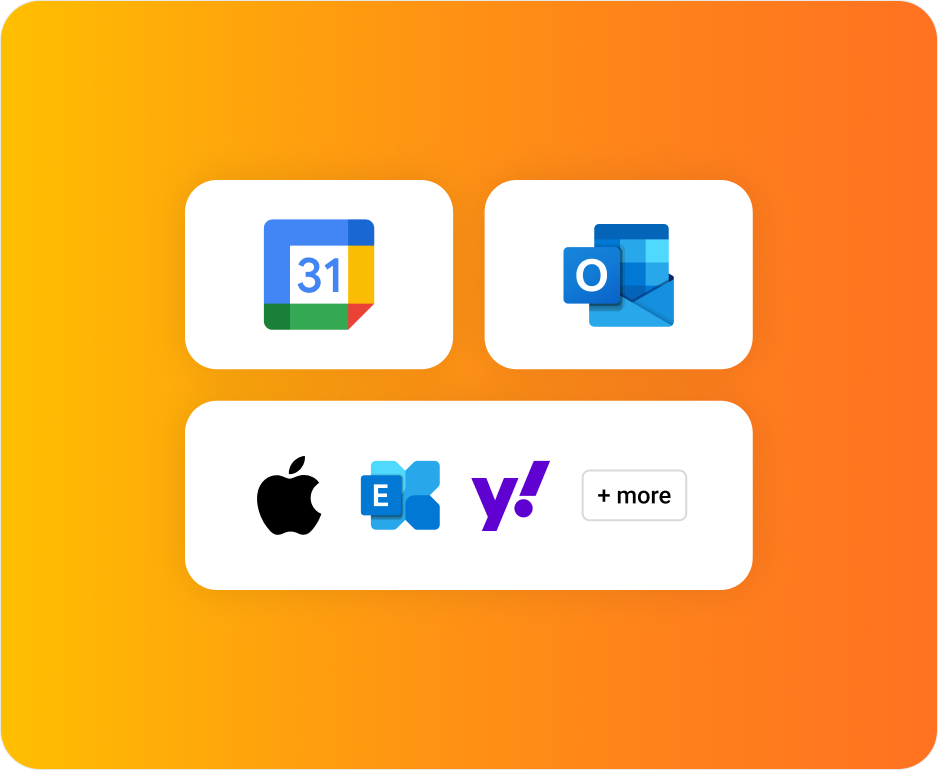
Connect your calendar (Outlook, Google, Apple, Yahoo, or any other) to the Sembly account. Set 5 workspace-wide automations that send specific meeting types to shared tools automatically.
Set workspace-wide retention policies, auto-attendance rules, and agent customization that apply to all users. Add custom vocabulary for industry terms your team uses frequently.
Run several team meetings and let Sembly capture them. Group related meetings into a Collection by project or client. Test multi-meeting AI chat by asking a question across all meetings.


Sembly Pro costs $29 per user per month on a monthly subscription, or $20 per user per month with annual billing.
Annual billing saves $108 per user per year.
Pro adds team collaboration with shared workspace access for up to 40 users. You also get multi-meeting AI chat, video recording, Collections, risk detection, analytics dashboard, workspace-wide automations, advanced search, custom vocabulary, and 2-year history.
Sembly Basic, on the other hand, is designed for solo professionals with single-meeting chat and 12-month history.
Sembly Collections let you group related meetings by project, client, or topic.
You can also search within a specific context and share Collections with specific team members to give targeted access.
You can ask questions in natural language and Sembly searches across your entire workspace to find answers.
For example, of you ask “what concerns came up in customer calls last month,” it pulls information from multiple transcripts and shows you which meetings mentioned each concern.
Sembly Pro helps professional teams create a searchable knowledge base from every meeting they record. Instead of asking colleagues to recall past decisions, anyone on the team queries across months of conversations to find commitments, context, and reasoning.
Organizations following knowledge management best practices rely on Pro’s 2-year retention to preserve institutional knowledge when people change roles or leave.
Sembly client deliverables include sales proposals, project plans, customer success plans, consulting reports, client needs analysis, and project change requests.
Pro users get 5 AI-generated documents.
Upgrade to Pro when you need shared workspace access for 2 or more people.
Teams typically upgrade when they start asking questions across multiple meetings, need to automate client deliverables, want to organize meetings by client or project with Collections, or require workspace-wide automations that sync data without individual setup.
Sembly integrates with Slack, Microsoft Teams, Notion, Confluence, and 5,000+ other team communication tools through Zapier.